

Analyze histamine and biogenic amines in the ingredients
On a product page, the extension finds the ingredient list and flags foods containing histamine or other biogenic amines. The least suitable ones show up first.
Chrome and Edge extension
Open a product or recipe and run the analysis right in your browser. You'll see which ingredients contain histamine or other biogenic amines relevant to histamine intolerance, and there's nothing to copy into another app.
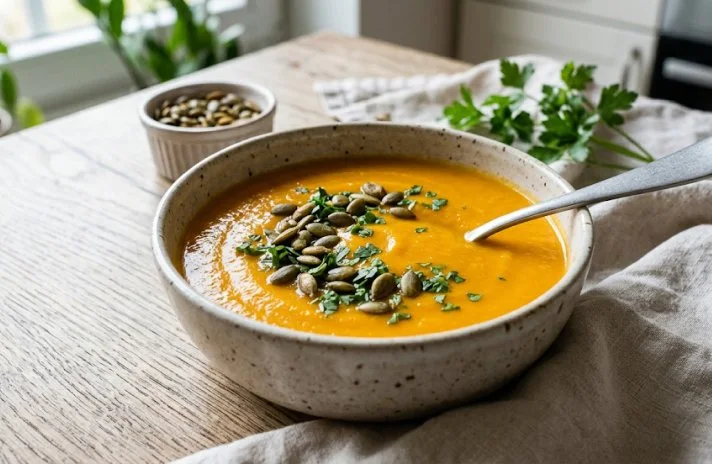
Pumpkin and tomato soup
A smooth vegetable soup with pumpkin, tomatoes, and cream.
Ingredients: pumpkin, tomatoes, cream, onion, olive oil, salt

Histamin.io – ingredient analysis
Analyze for histamine:
Analyze a whole product, a recipe, or just a piece of text you select on the page. The result opens in a panel next to it, so the original page stays in view.
On a product page, the extension finds the ingredient list and flags foods containing histamine or other biogenic amines. The least suitable ones show up first.
For a recipe, it reviews the full ingredient list and shows a catalog rating for each item.
Select up to 500 characters directly on the page and analyze only that text. This feature is included with Premium.
It works on regular product pages and recipes that list their ingredients directly on the page.
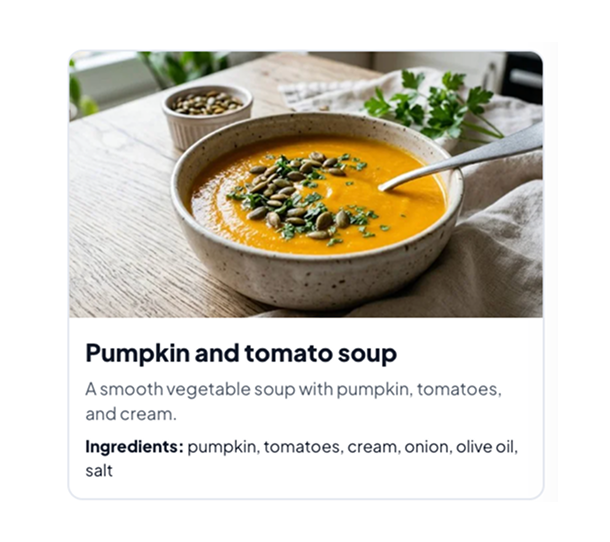
Go to a product or recipe page with an ingredient list, and expand it fully if needed.
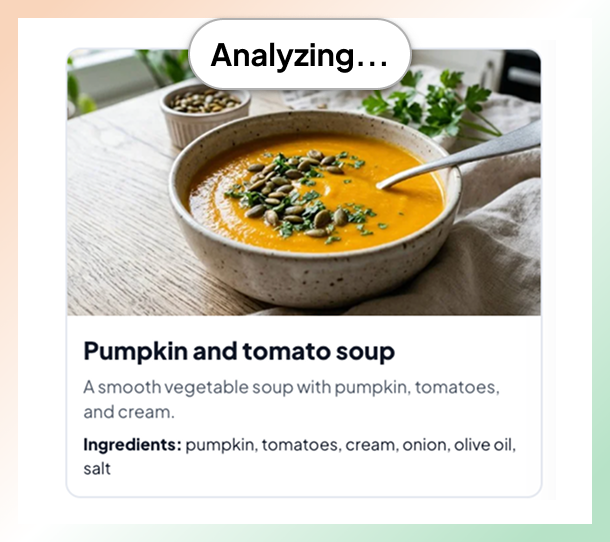
Click the extension icon in your browser toolbar, then select Analyze page.
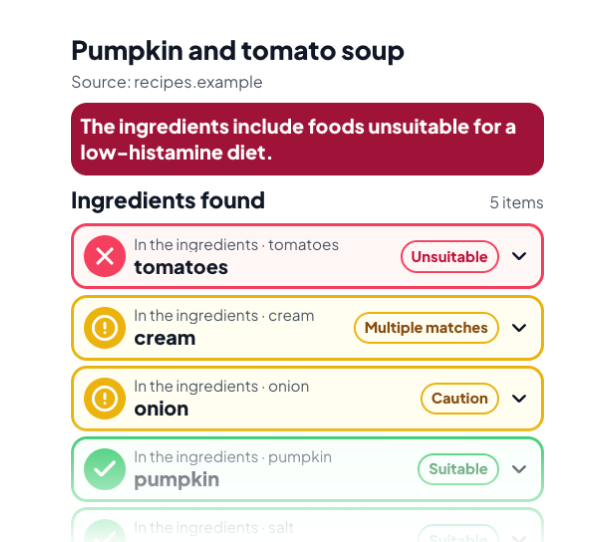
The side panel shows a rating for each food for histamine and other biogenic amines, least suitable first. Click a food for more details.
The extension runs only when you ask it to, and it reads only as much of the page as it needs to find the ingredients.
Product pages with an ingredient list
Recipes with a list of ingredients
Selected text up to 500 characters with Premium
For the best result, expand the full ingredient section first. Protected browser pages, such as the Chrome Web Store, cannot be analyzed.
Install the extension for free and run your first analysis on a product or recipe page.